
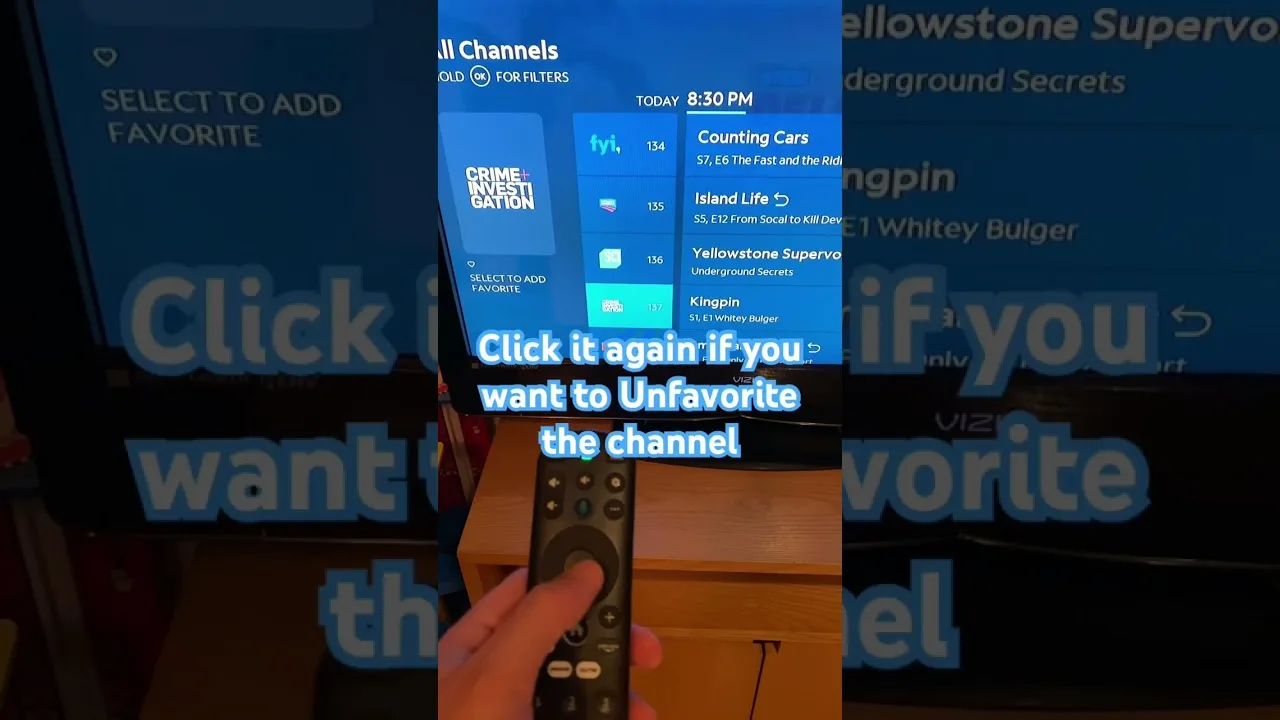
Everyone knows the feeling: you sit down to watch and spend fifteen minutes scrolling instead of watching. The library inside OZ TV entertainment app is large enough that aimless browsing wastes real evenings, but the app provides three tools against exactly that — search that narrows the library instantly, categories that group content sensibly, and favourites that turn your shortlist into a one-tap home row.
Used as one routine, the three tools make the 'what should I watch' problem mostly disappear. The setup is a one-time cost repaid at every session.
Search Like You Mean It
Search rewards specifics. A full title is ideal, but the most distinctive word of a title usually narrows results enough, because one wrong word can spoil an otherwise perfect long query. If a search fails, shorten it before concluding the content is absent.
Decide what kind of result you want first. Searching from the home screen looks across everything; searching inside a category restricts results to that area. Hunting a live channel? Search within the live section and skip the on-demand results you never intended to open.
Let Categories Do the Heavy Lifting
Categories are the library's map, and learning a map pays on every journey. Live channels sit apart from films and series, and within each area the groupings follow themes and types. Spend one session exploring the structure deliberately, and later visits become muscle memory.
Our guide to OZ TV content categories explains what each section holds and who it suits. Map plus search gives two routes to everything: browse by neighbourhood when undecided, jump by name when you are not.
Build a Favourites Row That Earns Its Place
Favourites hold the real speed. Add the channels you watch weekly, the series you are part-way through, and the categories you return to. Within a week the row becomes a personalised front page answering the evening's question before it is asked.
Prune as keenly as you add: forty favourites is another library to scroll, while ten to fifteen genuine regulars is the sweet spot. Remove finished series promptly so the row reflects what you are watching now, not what you completed months ago.
Small Habits, Faster Sessions
Use idle moments well. When a friend recommends a series, favourite it on the spot instead of trusting memory. Before a big live event, find its channel earlier in the day and favourite it, so kickoff is one tap rather than a search under pressure.
The organisational features behind all of this are summarised in our features guide, which shows how sections, categories, and personal lists fit together.
Final Thoughts
Finding content fast is a skill, not a feature you wait for. Search with specifics, learn the category map, keep favourites lean and current, and prepare big events in advance. Then OZ TV stops being a library you scroll and becomes a service that simply plays what you wanted.