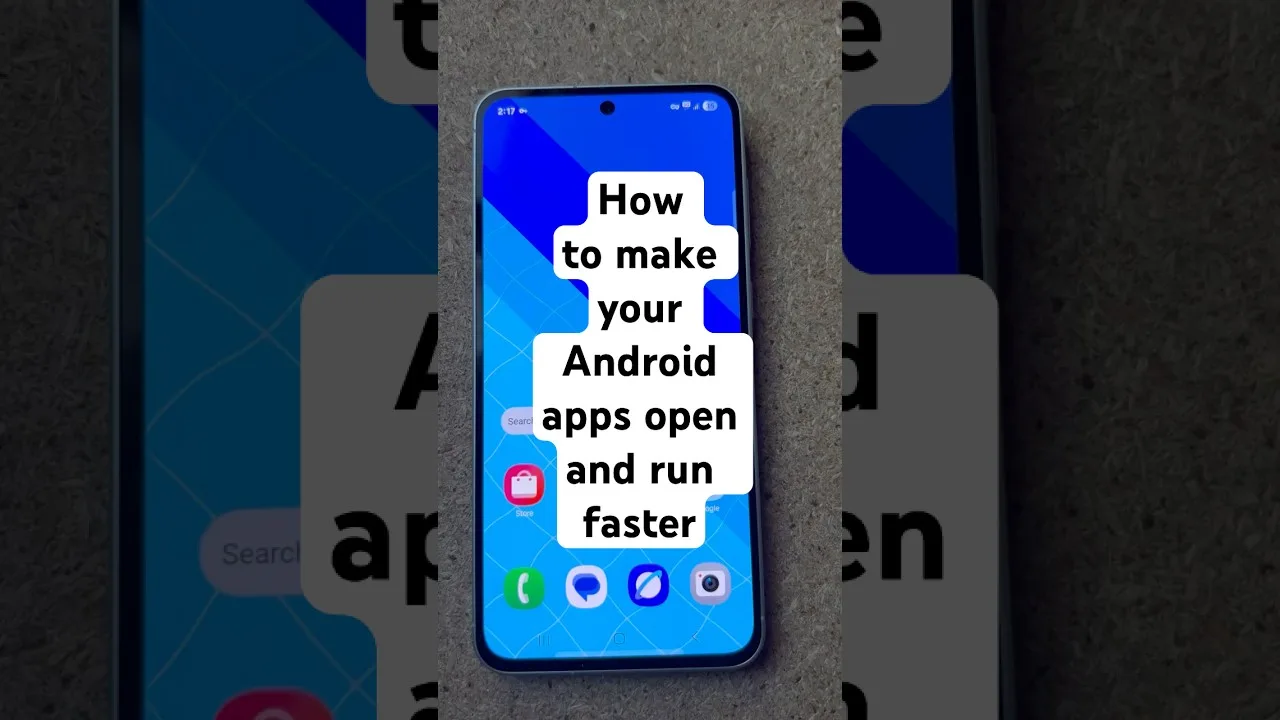
A modest phone is no barrier to good streaming; it simply asks for a tidier setup than a flagship does. OZ TV Android app is light by design, and on low-end hardware the gap between frustration and perfectly watchable is usually storage pressure, background clutter, and a quality setting one notch too high.
Aim for reliability. A budget phone will not open menus instantly, but it can play stable streams for hours without crashing or overheating — if you give it room to work.
Free Up Storage First
Android slows sharply when storage is nearly full because the system needs working space of its own. Open Settings, then Storage, and keep one to two gigabytes free. The usual hogs are photos, videos, and messaging apps silently accumulating years of media.
Clear the downloads folder, empty large app caches, and uninstall apps nobody opens. Every installed app can run background services and consume update bandwidth, so a phone carrying sixty unused apps is doing silent work all day. Removing ten is free performance.
Choose Lighter Playback Settings
Standard quality is the sweet spot on small, lower-resolution screens: the picture still looks good at phone size while processor and connection work far less hard. Reserve higher quality for the television, where the screen can show the difference.
Streaming while charging helps as well, because a phone near empty throttles performance to protect its battery. Let the device breathe while it charges — sealed in a thick case on a hot day, it will slow itself to cool down. The complete picture is in our best settings guide.
Reduce Background Competition
Before a long session, close recent apps so the limited memory belongs to the stream. Enable Do Not Disturb to stop notifications waking the screen mid-film, and pause cloud uploads and large downloads until afterwards.
If playback mysteriously stops when the phone locks, check battery optimisation: aggressive power saving sometimes suspends streaming apps, and exempting OZ TV is the fix. Data-saver modes help from the other side, restricting rival apps' background activity.
Keep the App and System Updated
Updates matter more on older hardware, because performance and compatibility work in new builds often targets exactly the devices that struggle. Keep OZ TV current, and Android itself where the manufacturer allows.
If the phone is truly at the end of its life, even a modest newer budget model feels like a leap — and because requirements stay low, your apps and habits carry over unchanged.
Final Thoughts
Free storage, sensible quality, a quiet background, current software. None of it costs money, and together it turns a struggling budget phone into a dependable streaming device. OZ TV does not need an expensive phone; it needs a tidy one.